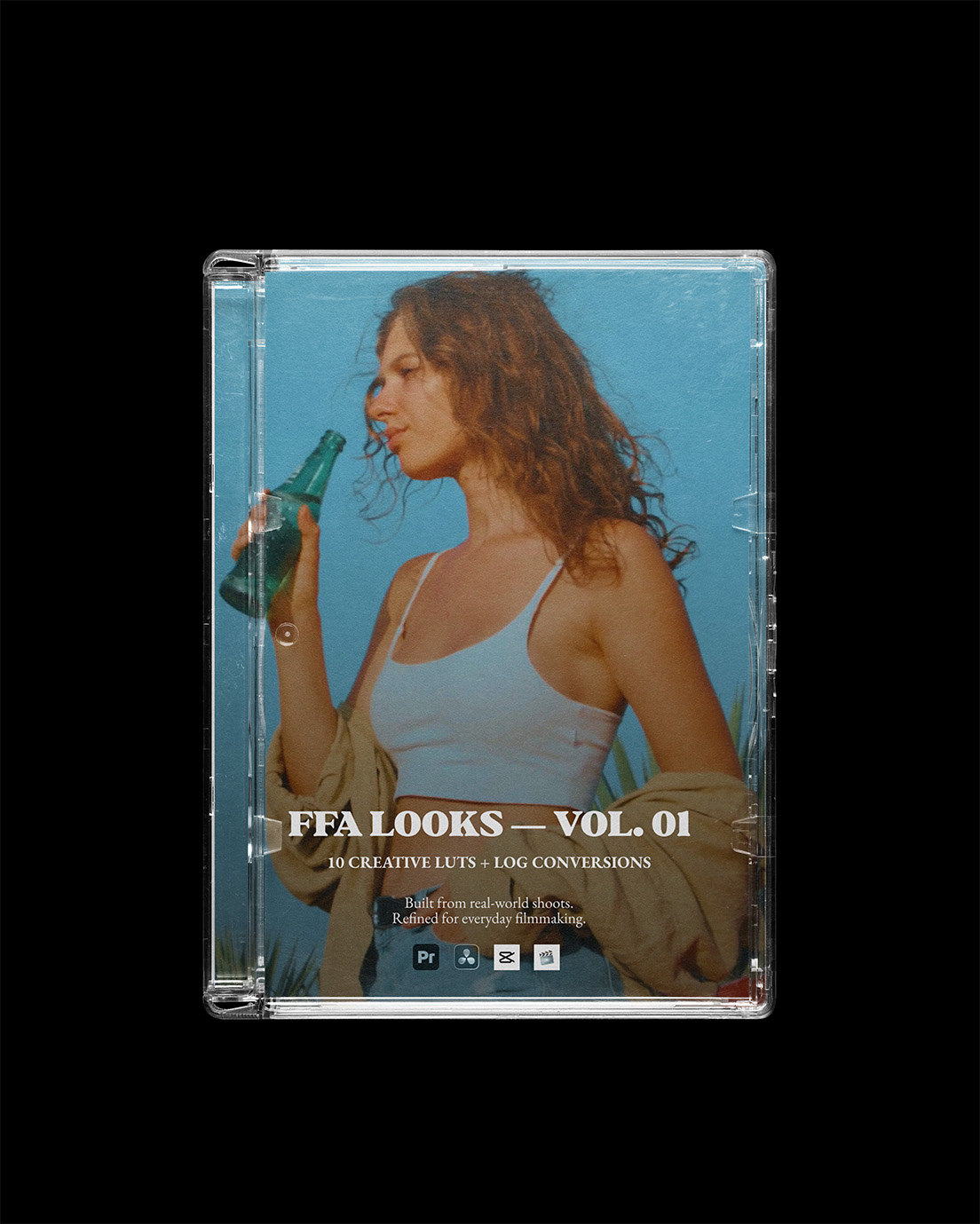
A collection of cinematic looks designed to give your footage a strong starting point without taking away your control.
- Speed Up Your Editing Process
- Film like Colors. On The Go.
- Built For Everyday Filming
- Installation Guide Included
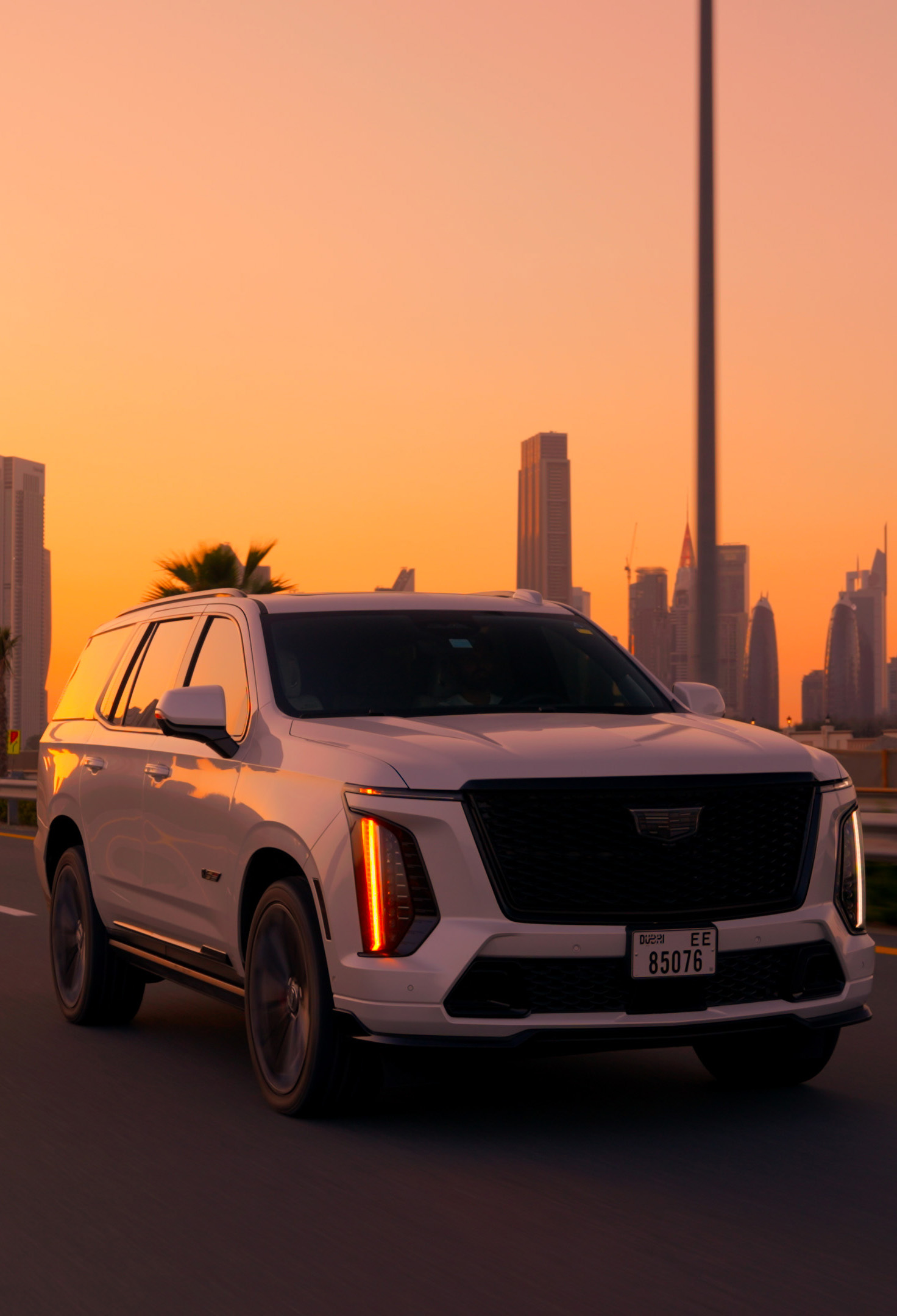
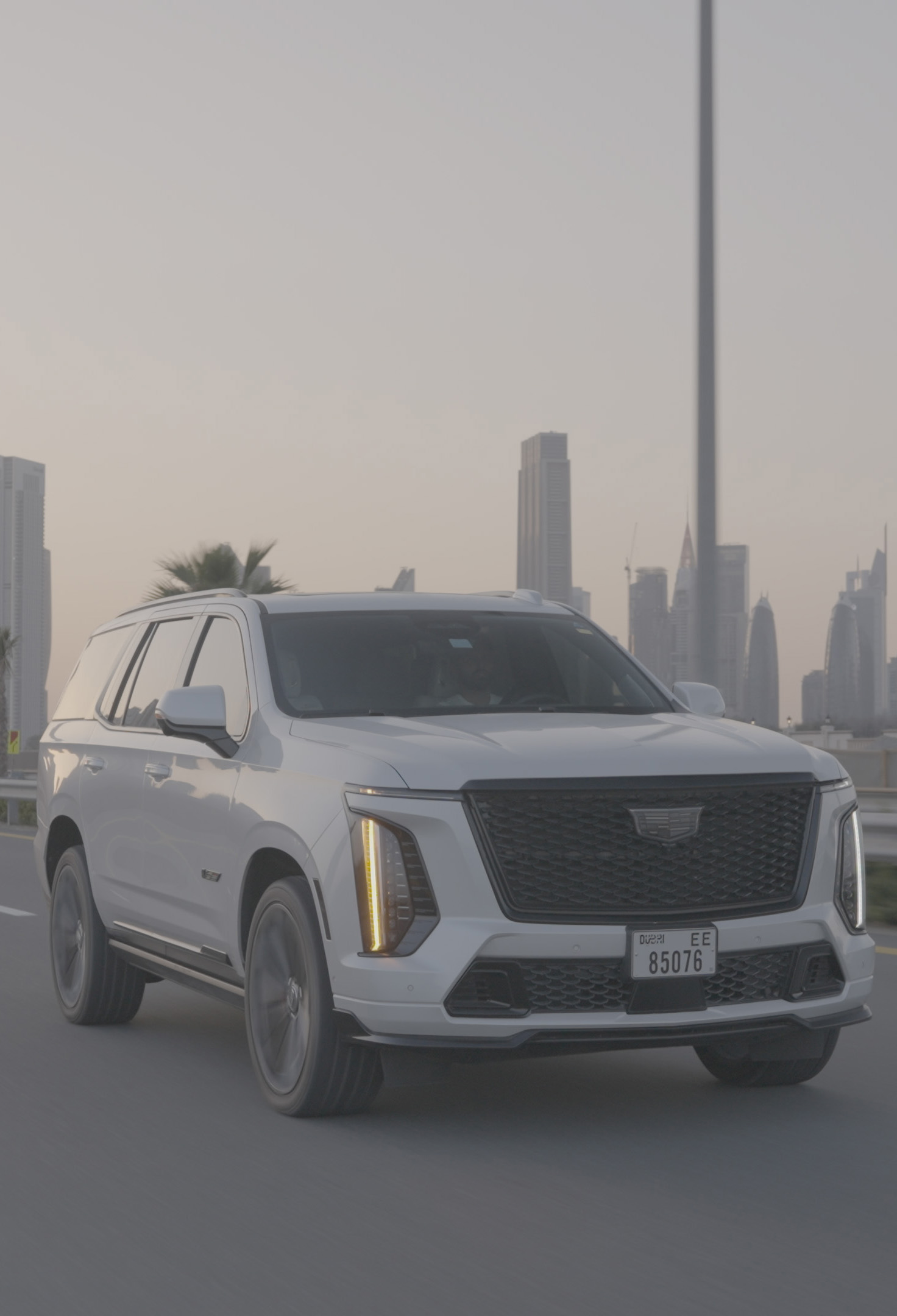
Boosts yellows, oranges and reds to make sunsets and warm natural light feel richer and more dramatic.

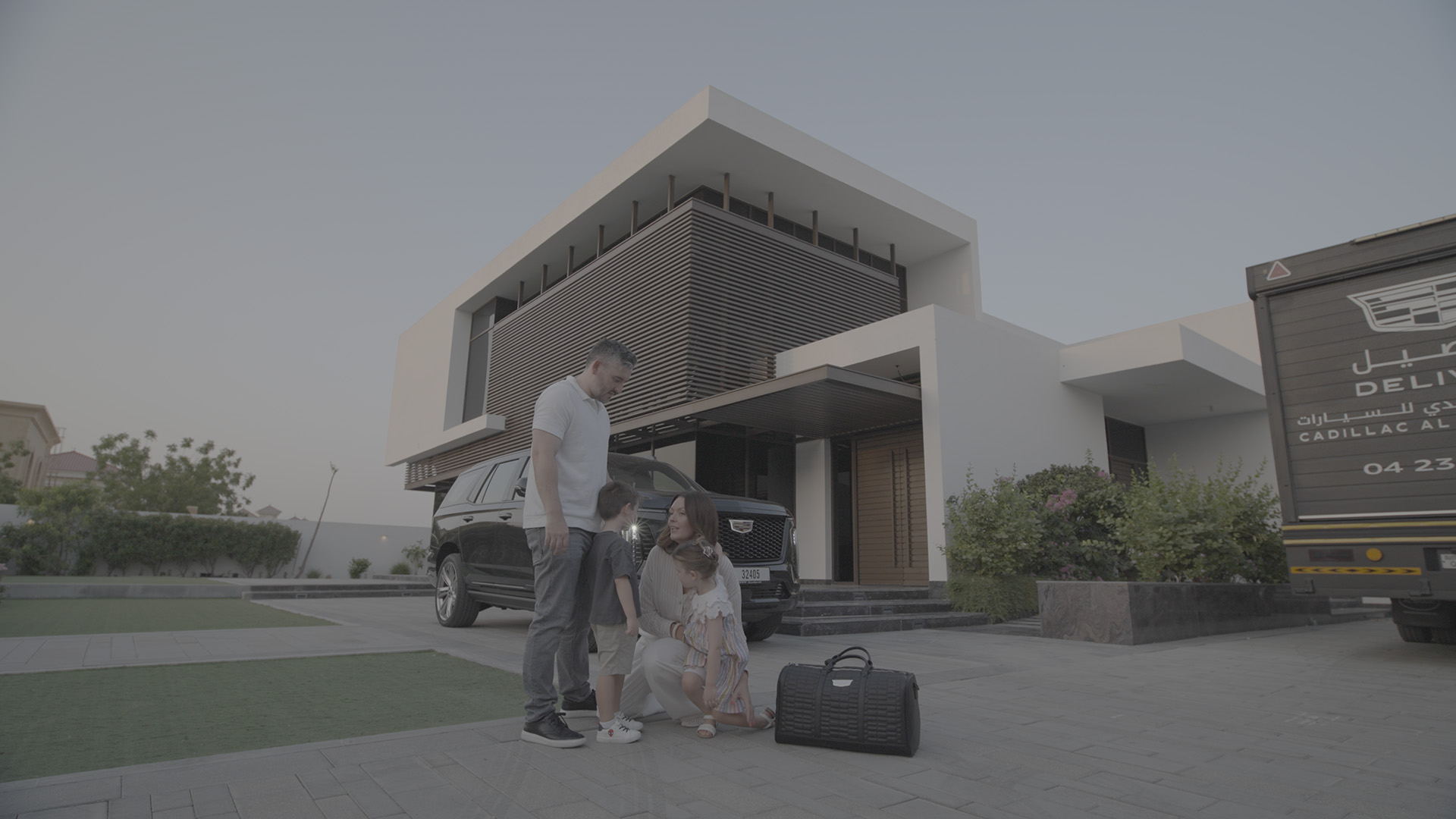
Clean cyan-blue shadows, crisp highlights and strong contrast for a modern commercial look.


Deep neutral shadows, restrained colour and warm highlights for a darker, more dramatic finish.


Bright, vibrant and clean — designed to make Reels, lifestyle and everyday content hit harder on screen.
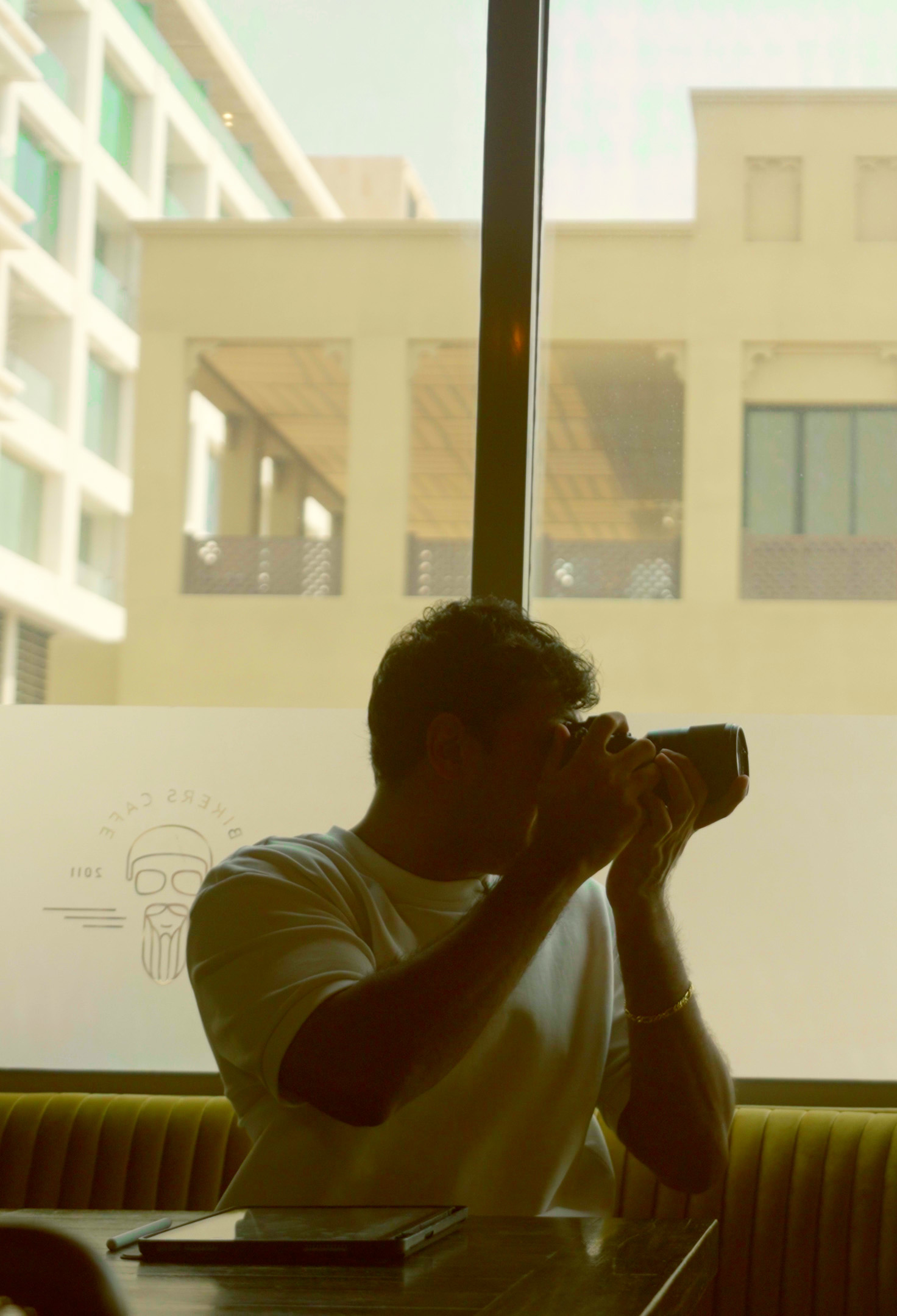
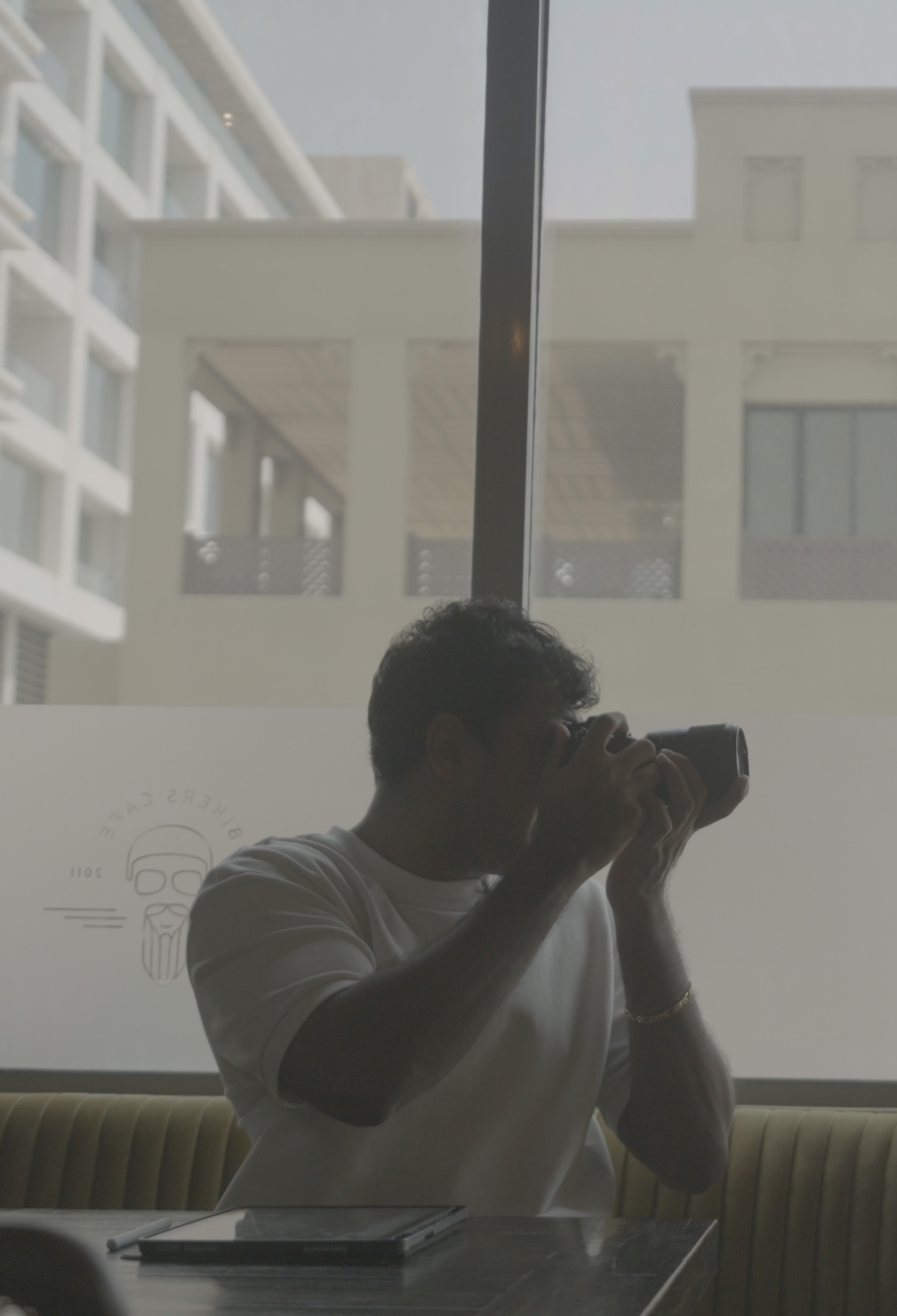
A nostalgic yellow-gold palette with warmer whites and slightly olive greens while keeping contrast intact.

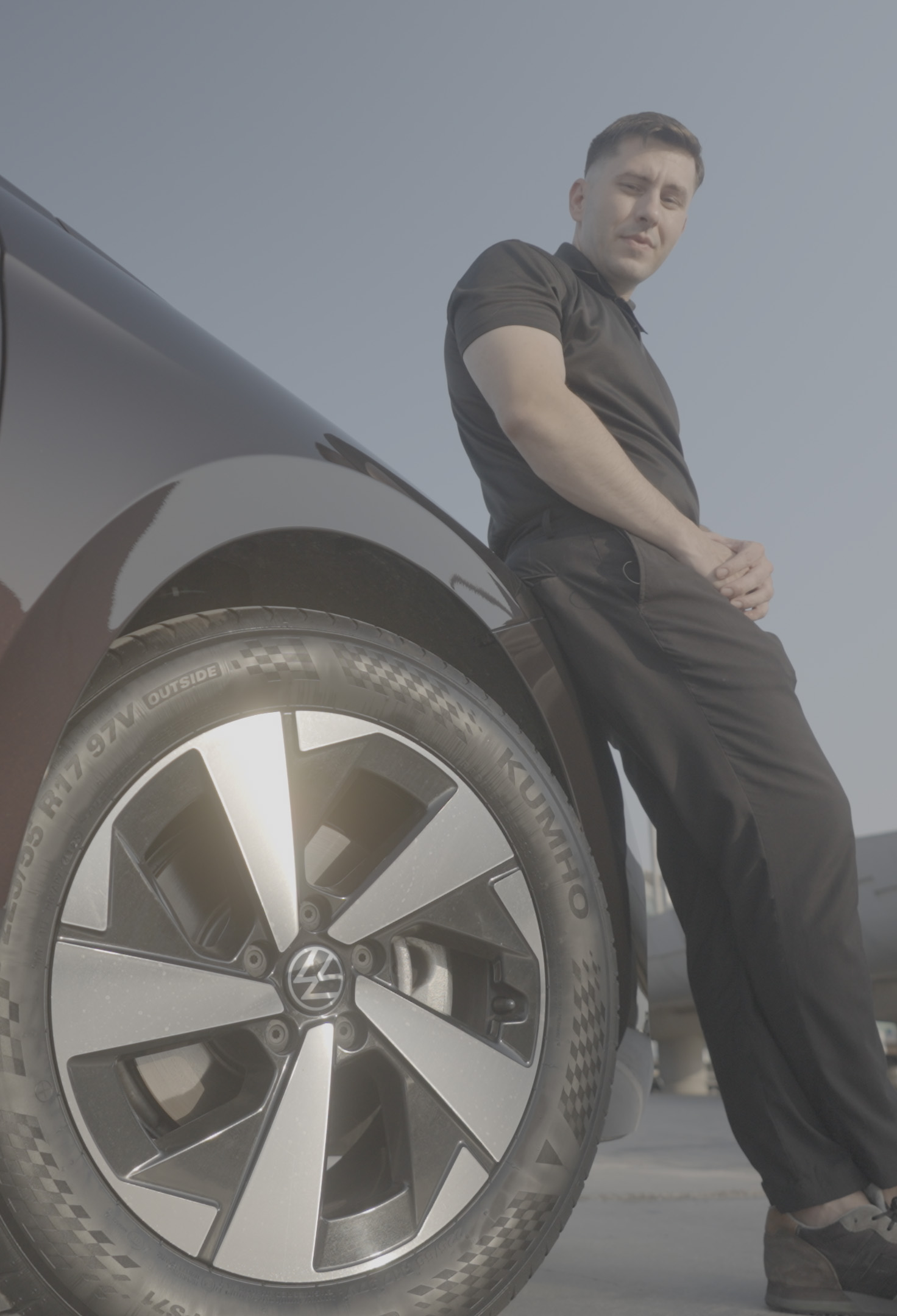
Classic cinematic separation with cool teal shadows and warm skin tones for a bold, film-inspired finish.
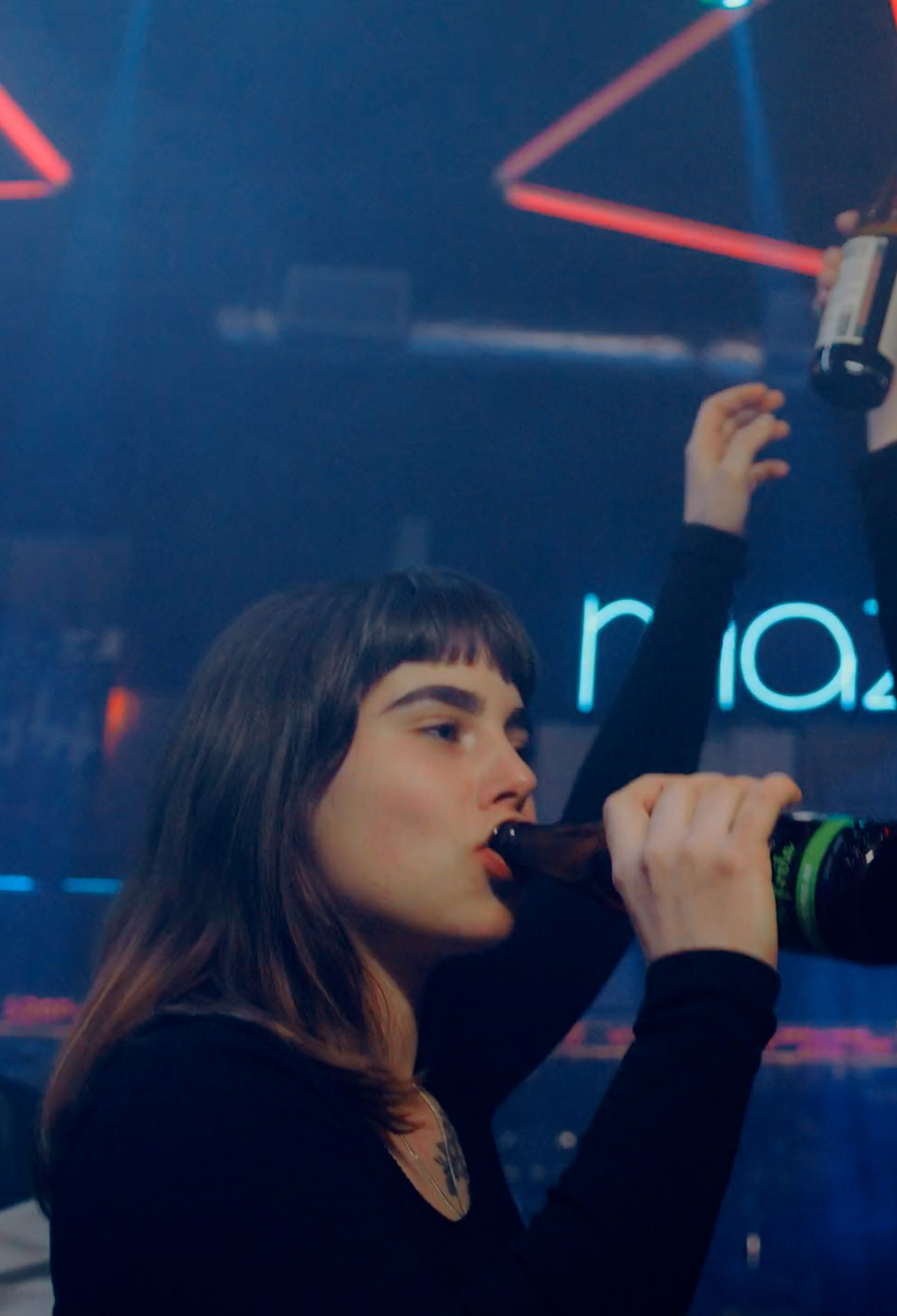
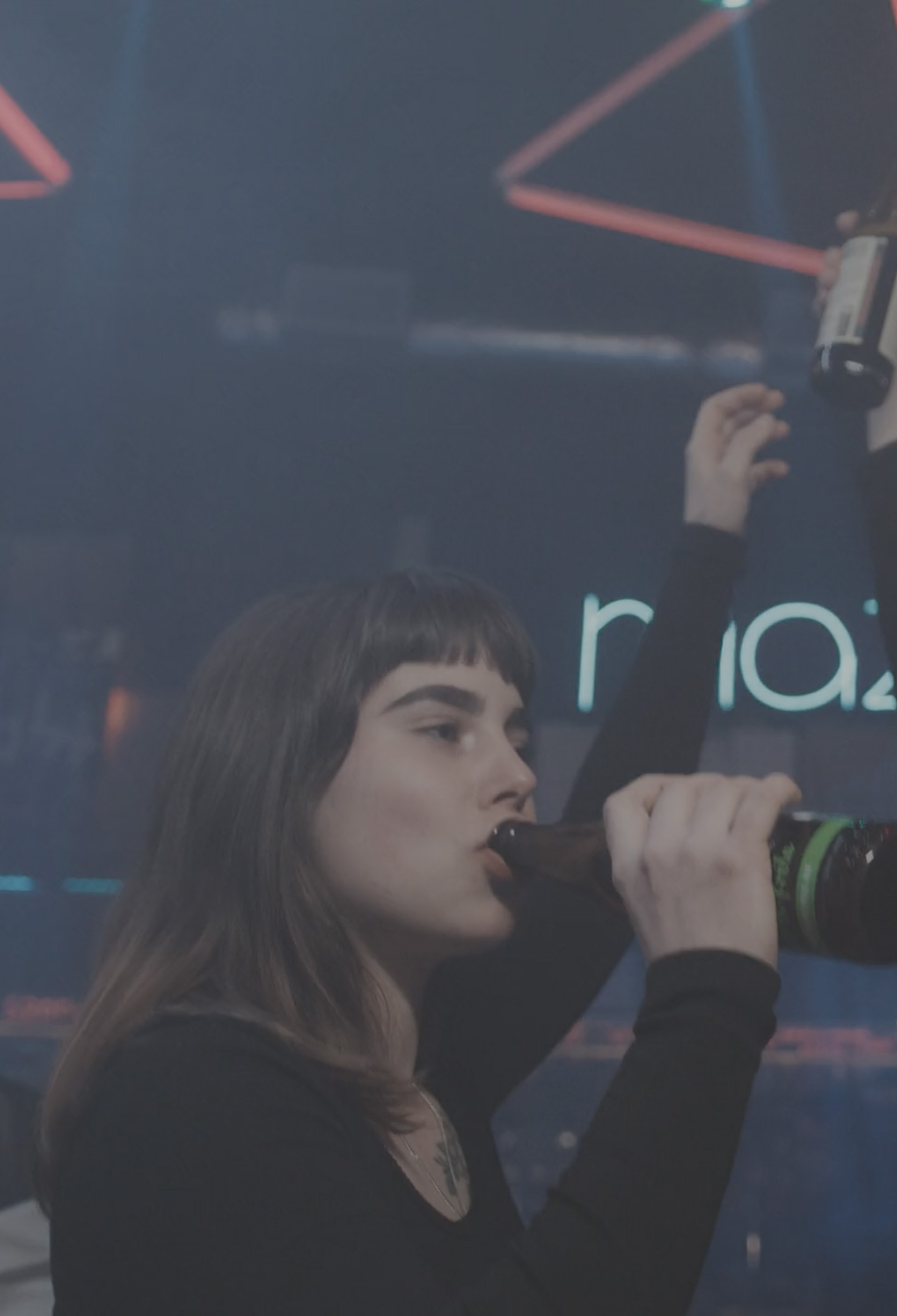
Electric blues, rich magentas and deep blacks built for neon, events, concerts and night scenes.
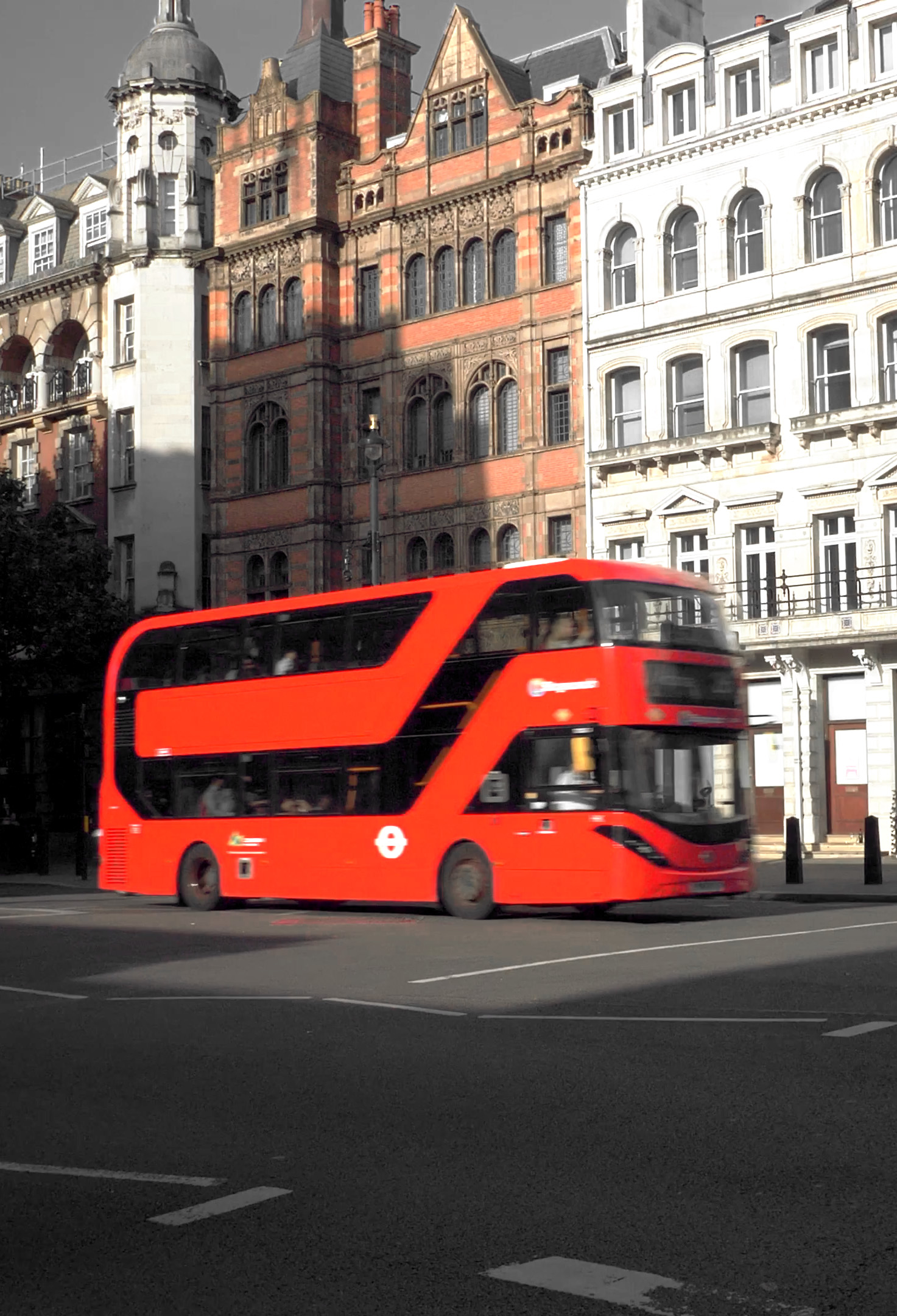
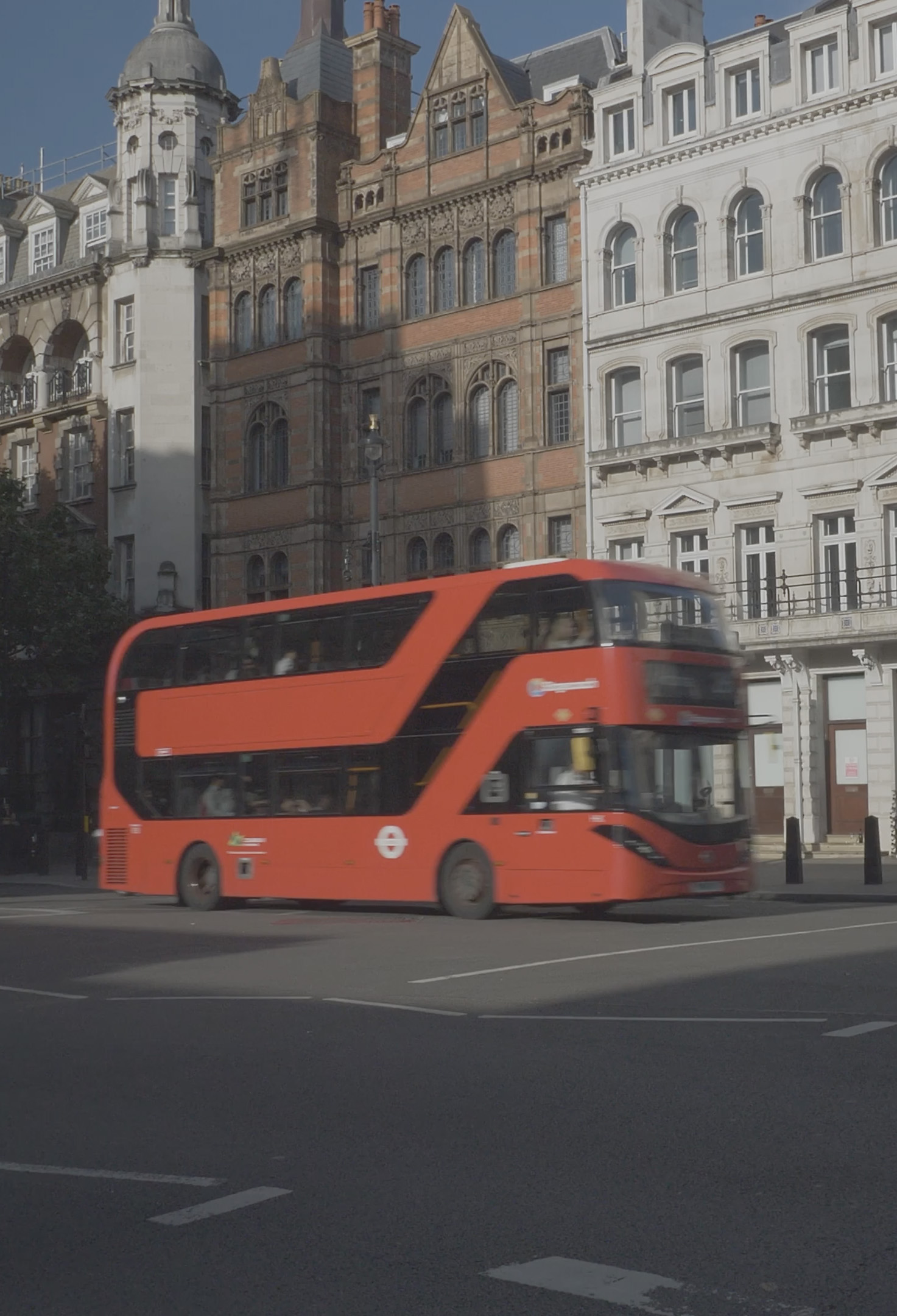
A near-monochrome look with strong blacks and subtle remaining warmth for portraits, automotive and dramatic scenes.
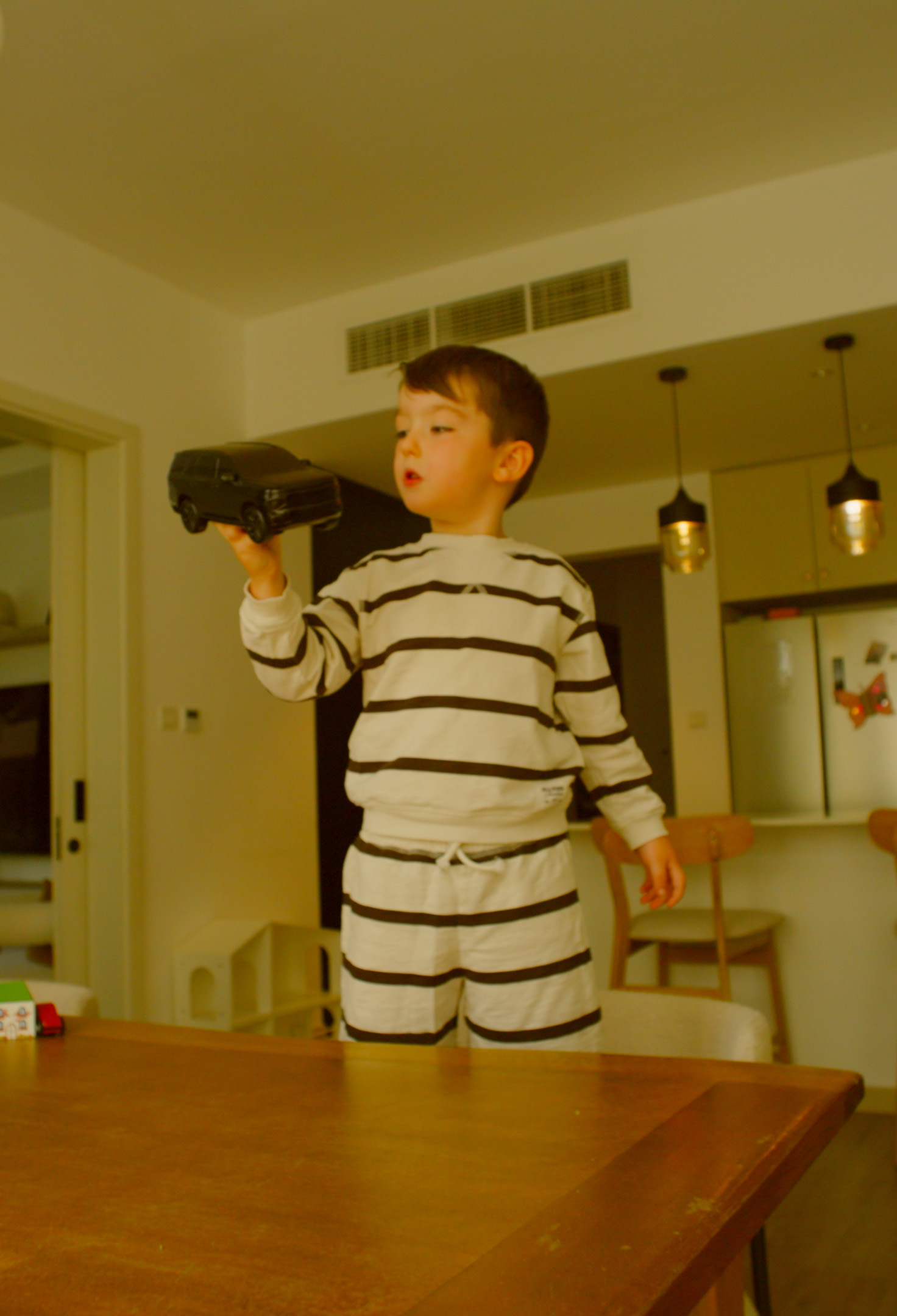
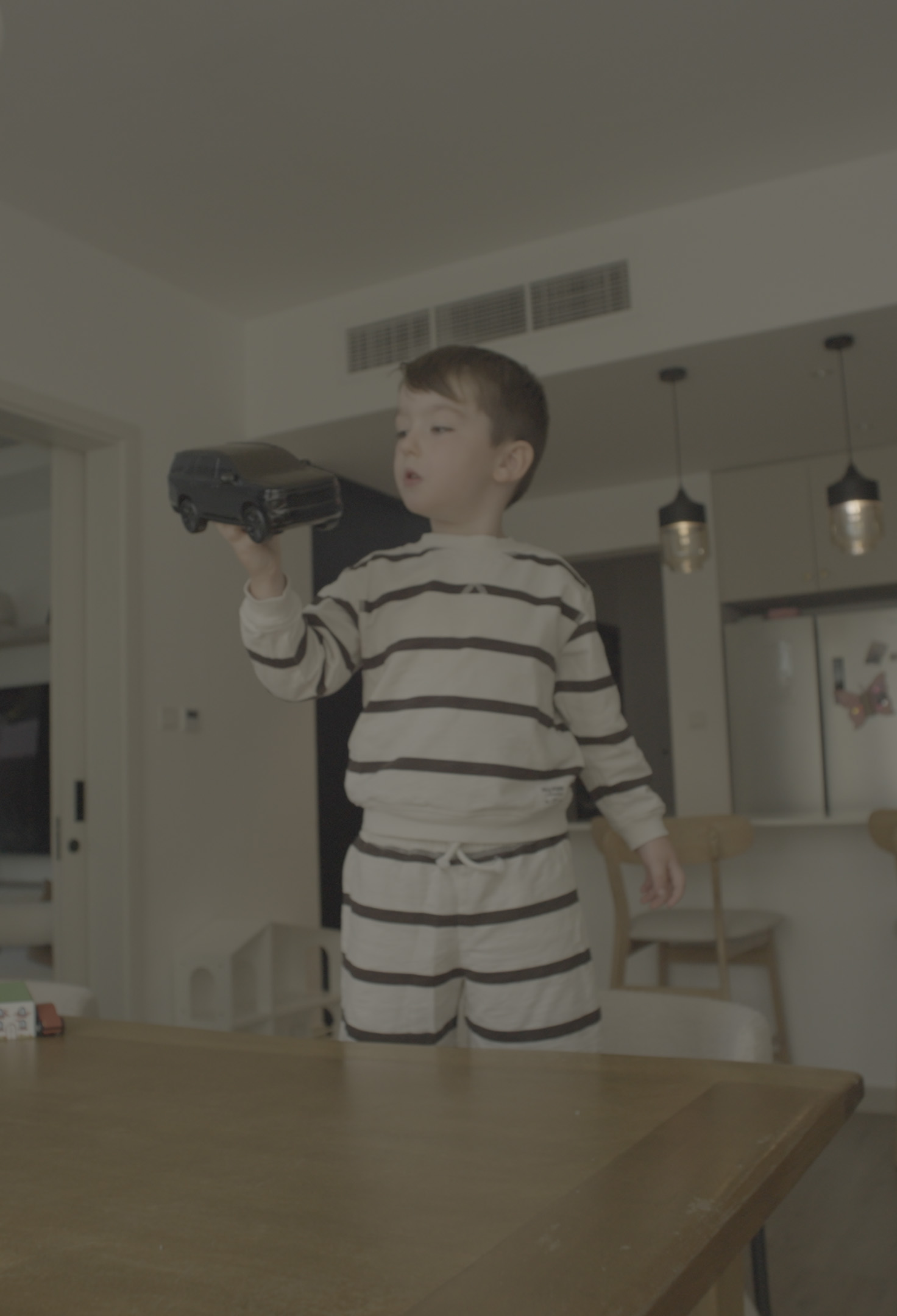
Gentle warmth, softer highlights and flattering skin tones for a polished, inviting finish.


Dreamy green-cyan tones with softer contrast for nature, fashion and editorial footage.
LUTs (or Look-Up Tables) are powerful tools used in video colour grading. They allow you to apply pre-configured colour adjustments with just one click, helping you achieve a specific look or style.
They're a quick and effective way to create consistent, professional-looking colours across your footage and can be easily applied in most video editing software, including mobile apps.
Yes! Our LUTs use the .cube format and work with mobile editing apps like VN, InShot, Capcut and LumaFusion. They're also compatible with the Blackmagic Cam App as well.
Just make sure your app supports .cube files. Not compatible with Lightroom Mobile.
Our LUTs work best with Rec. 709 footage. If you're shooting in LOG, we've included conversion LUTs for 10 common LOG profiles. Simply convert your footage to Rec. 709 before applying your creative LUT.
Our LUTs are compatible with most professional video editing software and select photo editing applications, including Adobe Premiere Pro, Premiere Rush, Final Cut Pro, DaVinci Resolve, CapCut for Desktop and Adobe Photoshop.
They also work with other editing programs that support importing 3D LUTs (.cube files).
Please note: These LUTs are not compatible with Adobe Lightroom CC, Lightroom Classic or Lightroom Mobile.
You will have received a set of instructions (PDF) with your purchase which will explain how to import your LUTs.
These LUTs are used all the time. I use them to start my initial editing process, and to fine-tune my edits to suit my needs.
I use these LUTs all the time. I use them to start my initial editing process, and to fine-tune my edits to suit my needs.

